Clean jump cuts
Pauses, filler words and restarts removed so you sound sharp — without robotic choppiness.
Talking-head video editing
Talking-head videos are the backbone of personal-brand content — and the easiest to scroll past. The edit is what makes them watchable.
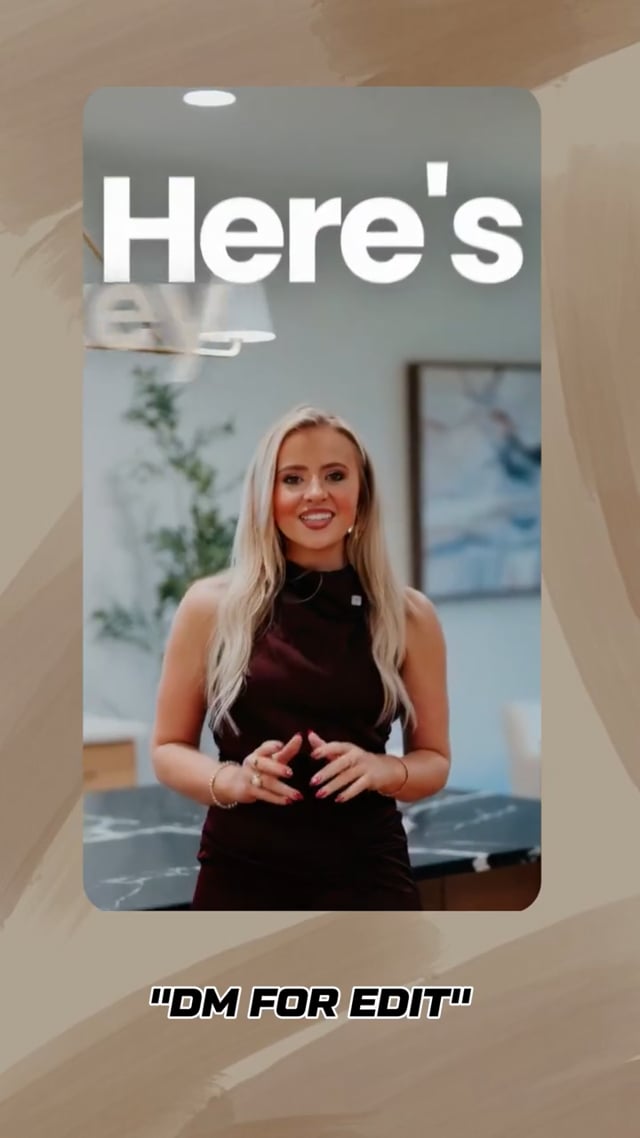 9:160:30
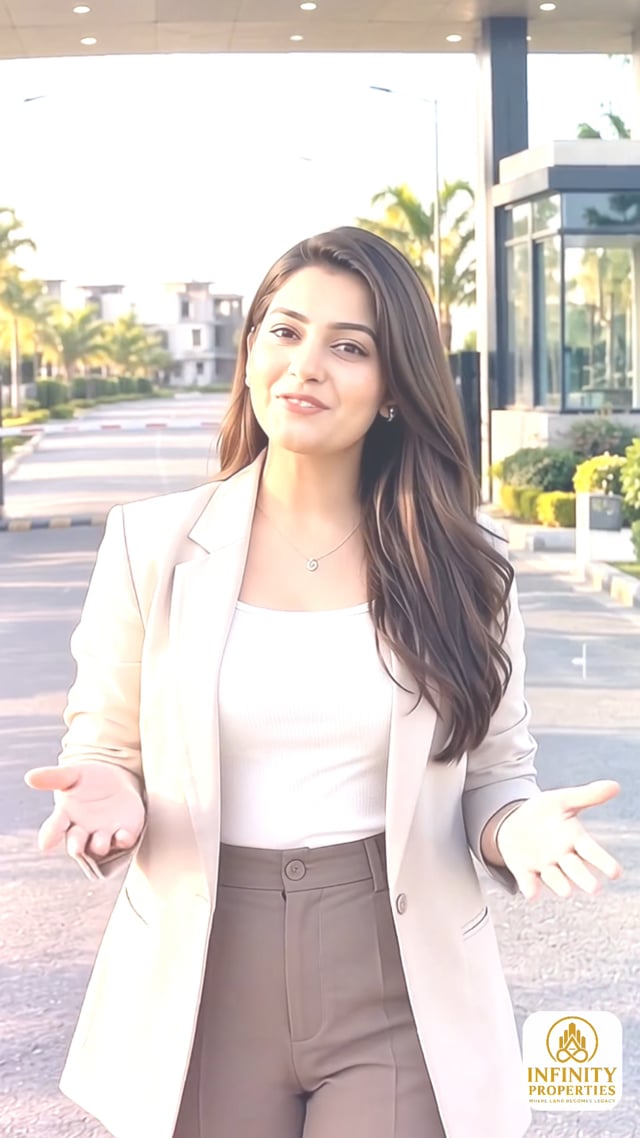 9:160:47
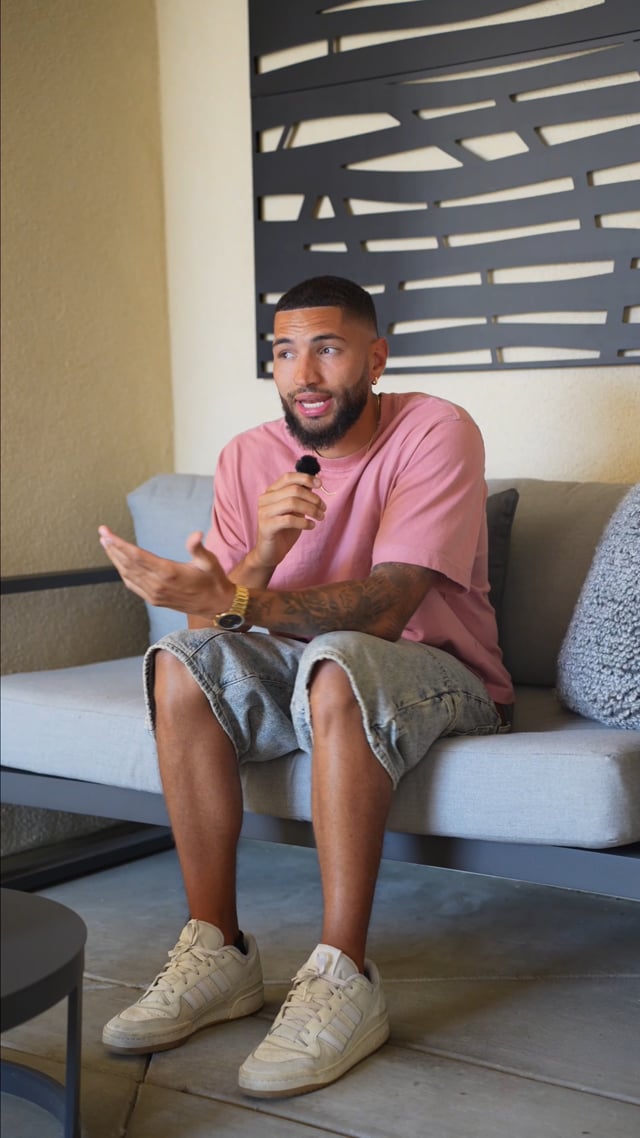 9:160:28
What you get
Pauses, filler words and restarts removed so you sound sharp — without robotic choppiness.
Scale changes that emphasise key lines and reset attention.
Visuals that show what you’re saying: screenshots, footage, examples.
Key numbers and phrases on screen so the point lands without sound.
Presenter-in-frame and split layouts that make a simple shot look designed.
Clear voice, consistent levels, subtle music and sound design.
Direct-to-camera content builds trust faster than anything else: people see your face, hear your voice and judge your expertise. But a static shot of one person talking gives the eye nothing new. Without editing, attention drifts within seconds.
Good talking-head editing adds visual change without distraction:
Talking-head editing is core to the work for coaches, founders and personal brands.
How it works
One editor, one shared folder, direct feedback. Built for remote clients in any timezone.
Drop raw clips, references and brand assets into a shared Google Drive or Dropbox folder.
Every clip gets watched. The strongest moment and the hook worth leading with are picked first.
Story first: tight pacing, clean cuts, dead air removed.
Captions, b-roll, motion graphics, sound design and color.
You leave notes and talk directly to the person editing — no account managers.
Platform-ready exports, organised and named, ready to schedule.
Pricing
Every package covers a month of short-form edits. Need more than 30 a month? It’s quoted as a custom plan. Full pricing details →
10 REELS / MONTH
$249
For creators building consistency. ≈ $24.90 PER EDITED REEL
20 REELS / MONTH
$499
For creators and businesses increasing content volume. ≈ $24.95 PER EDITED REEL
30 REELS / MONTH
$599
For serious creators and businesses publishing at scale. ≈ $19.97 PER EDITED REEL
FAQ
A lot. Removing hesitations, tightening pacing and adding visuals makes almost anyone look more confident. You can record multiple takes and let the edit pick the best delivery.
Yes — ums, ahs, false starts and long pauses are cut so the delivery stays sharp but still sounds like you.
Yes. Share your brand assets once and they’re used consistently across every video.
Through a shared cloud folder — Google Drive, Dropbox or similar. Upload raw clips plus any references, logos, fonts or notes.
You review each edit and leave notes directly with Yash — no middlemen. The number of revision rounds is agreed per project before work starts.
No. The whole workflow is remote: shared folders, written briefs, async review notes and WhatsApp or email for quick questions. Pricing is in USD.
Related
Authority content that books calls.
Explore →Founder-led content without the time sink.
Explore →One recognisable visual language.
Explore →The full service: Reels, TikTok and Shorts edited from raw footage.
Explore →The editing side of the hook.
Explore →Copy-paste brief for any editor.
Explore →