Source review
The full recording is watched to find moments that work as standalone short videos.
Content repurposing
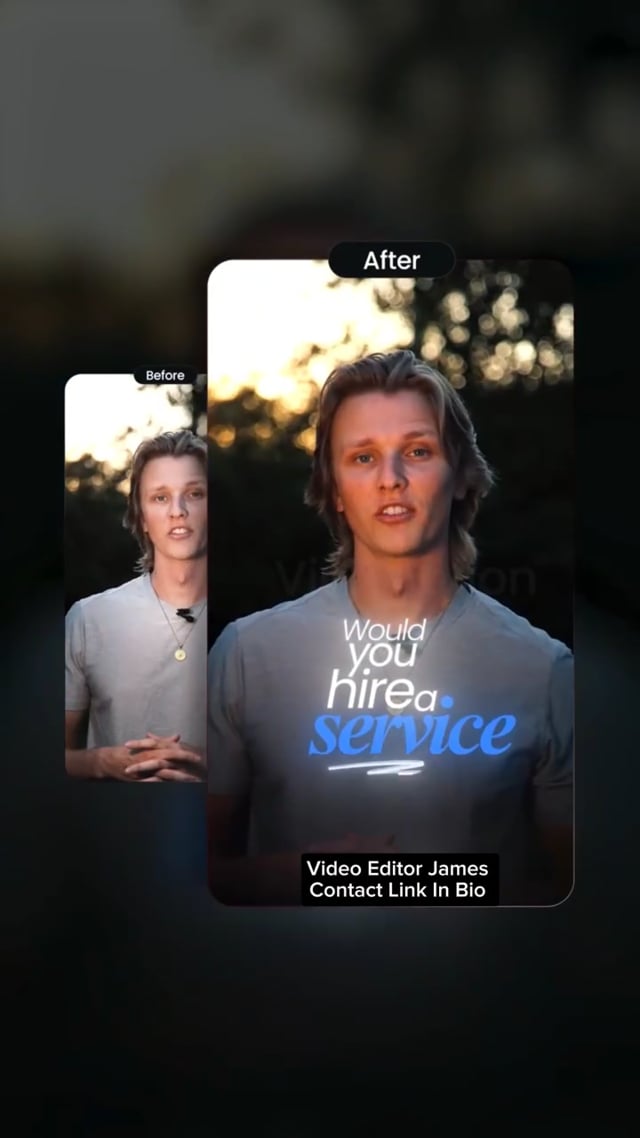
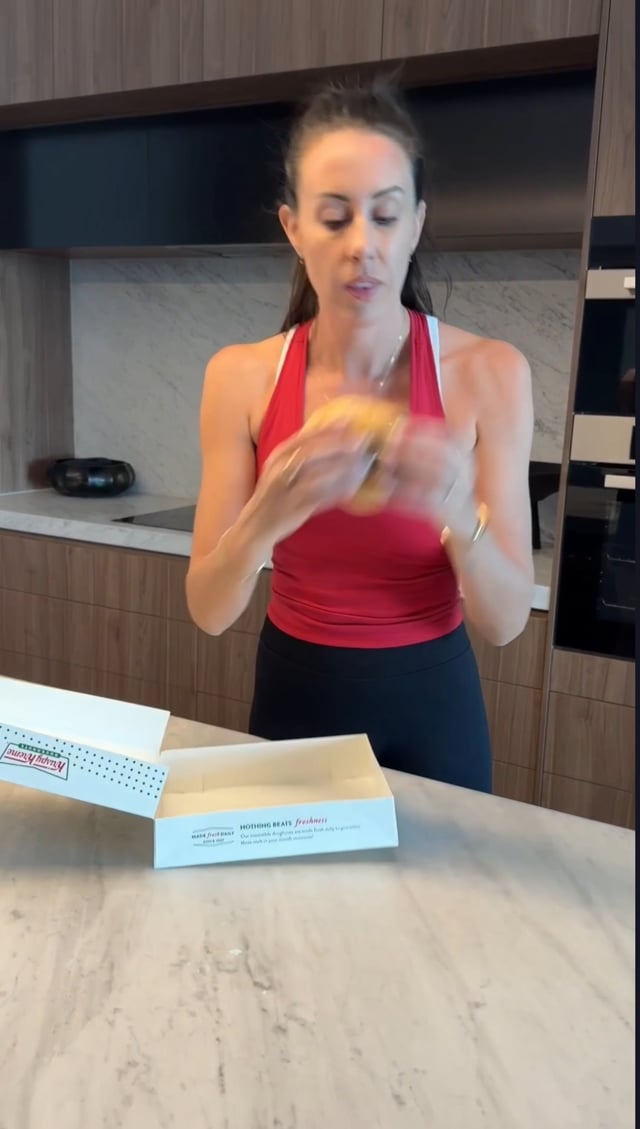
Webinars, podcasts, YouTube videos, livestreams, talks — your long recordings already hold a month of short-form. Yash turns them into clips that feel made for each platform.
 9:160:28
 9:160:27
 9:161:27
What you get
The full recording is watched to find moments that work as standalone short videos.
Clips chosen for a hook, a complete idea and a clean ending — not just loud moments.
Horizontal footage reframed to 9:16 with deliberate crops and layouts.
Openings rebuilt so each clip works for someone who has never seen the original.
Exports for Reels, TikTok, Shorts and LinkedIn as needed.
Captions, colours and graphics matched across every clip.
AI clipping tools can scan a long video and produce dozens of clips in minutes. They are useful for speed, but they tend to pick moments by loudness or keywords, crop awkwardly and miss context. The result is volume without much retention.
Human repurposing is slower and more selective: it asks “would a stranger watch this to the end?” before a clip is made. Fewer, better clips usually outperform a flood of average ones — and protect how your brand looks.
Compare the trade-offs in freelancer vs agency vs AI tools.
How it works
One editor, one shared folder, direct feedback. Built for remote clients in any timezone.
Drop raw clips, references and brand assets into a shared Google Drive or Dropbox folder.
Every clip gets watched. The strongest moment and the hook worth leading with are picked first.
Story first: tight pacing, clean cuts, dead air removed.
Captions, b-roll, motion graphics, sound design and color.
You leave notes and talk directly to the person editing — no account managers.
Platform-ready exports, organised and named, ready to schedule.
Pricing
Every package covers a month of short-form edits. Need more than 30 a month? It’s quoted as a custom plan. Full pricing details →
10 REELS / MONTH
$249
For creators building consistency. ≈ $24.90 PER EDITED REEL
20 REELS / MONTH
$499
For creators and businesses increasing content volume. ≈ $24.95 PER EDITED REEL
30 REELS / MONTH
$599
For serious creators and businesses publishing at scale. ≈ $19.97 PER EDITED REEL
FAQ
Webinars, podcasts and livestreams of an hour or more are normal. Packages are priced by the number of finished clips; unusually large source libraries can be discussed.
Transcription can be assisted by software, but every caption is checked, corrected and styled by hand.
No — YASH EDITS focuses on video. Every output is a finished video file.
Through a shared cloud folder — Google Drive, Dropbox or similar. Upload raw clips plus any references, logos, fonts or notes.
You review each edit and leave notes directly with Yash — no middlemen. The number of revision rounds is agreed per project before work starts.
No. The whole workflow is remote: shared folders, written briefs, async review notes and WhatsApp or email for quick questions. Pricing is in USD.
Related
Turn every episode into a week of clips.
Explore →Shorts that feed your long-form channel.
Explore →Which model fits which creator.
Explore →A practical repurposing workflow.
Explore →Authority content that books calls.
Explore →Three monthly packages in USD, plus custom volume.
Explore →